Unified Platform
Cameras, AI, events, analytics and infrastructure in one system.
Deploy AI with Core. Understand every output with Eye. Bring your physical and digital infrastructure into view with ORVEXION.

Existing infrastructure → shared video frames
Three focused products for deploying AI, understanding its outputs, and monitoring the infrastructure your business depends on.
Register models, select runtimes, configure cameras and regions of interest, and manage AI deployments across your infrastructure.
Turn AI deployment outputs into dashboards, event evidence, trends, reports, and operational insight for your teams.
Designed to connect sites, networks, servers, cloud, applications, and physical systems through monitoring, observability, incidents, and reporting.
One intelligence layer for your
entire video infrastructure.
Explore illustrative product experiences for AI deployment, output analysis, and infrastructure operations.
Core is where AI deployments are configured: models, cameras, runtimes, devices, regions, and execution policies.
Inside VIGILIX CoreWarehouse Gate 04
Device: NVIDIA GPU · Execution: Live
Connect your cameras. Deploy the right intelligence. Turn every event into an informed action.
Existing cameras. Live and recorded video.
Shared frames. Flexible AI runtimes and models.
Contextual events. Rules, alerts and workflows.
One view across your sites and operations.
Cameras → Frame processing → AI runtime → Models → Events → Automation → Analytics → Applications
Explore the architectureGo beyond isolated detections. Connect every model to a common event and analytics system.
Person detection, entry / exit counting, occupancy, crowds and movement.
Explore capabilities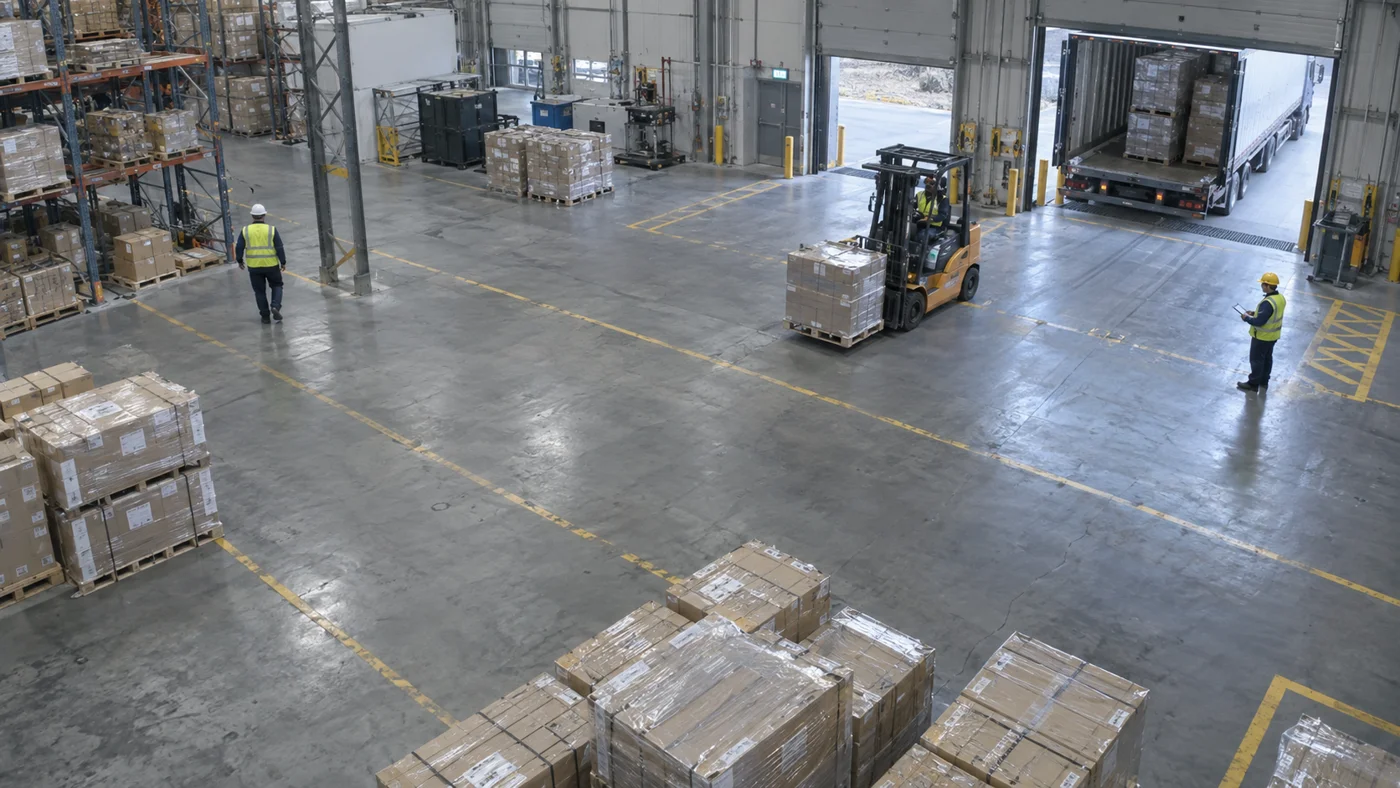 ILLUSTRATIVE IMAGE
Your intelligence shouldn’t stop at a predefined list. Register and deploy custom computer vision models through the same enterprise platform.
TensorRT · NVIDIA GPU
ONNX Runtime CUDA
ONNX Runtime CPU
Illustrative product configuration
Configure polygon regions and counting lines around your real-world environment. IN and OUT are independently configurable.
ILLUSTRATIVE IMAGESet each direction to match your camera view. Changing IN leaves OUT unchanged.
IN: right · OUT: left
Match each model to available CPU, GPU, and accelerator infrastructure. Choose live, interval, motion, or hybrid execution.
Find your deployment fitWarehouse Gate 04
Device: NVIDIA GPU · Execution: Live
Connect existing RTSP, ONVIF, USB and IP cameras, recorded video, and edge systems. You should not need a new camera estate just to use AI.
RTSP · 1920 × 1080
ONVIF · 1920 × 1080
IP camera · 1280 × 720
PPE event · Warehouse Gate 04
Timestamp, confidence and camera context
Severity: high · Safety zone
Email, webhook, API or operations dashboard
Give every event the context to be useful: timestamp, camera, site, area, model, confidence, snapshot, metadata, severity, and status.
Explore detections, movement, safety and custom analytics across sites, cameras, areas and models.
Total detections
1,284Vehicle count
372Person count
912IN count
146Factory — Ahmedabad · Entry gate · Normal
Factory — Ahmedabad · Loading zone · Normal
Factory — Ahmedabad · Warehouse Gate 04 · Review
Interactive illustration only. Values demonstrate filtering and are not VIGILIX performance metrics or customer results.
From a single facility to distributed operations. Maintain central visibility while intelligence runs where it is needed.
PPE · Vehicle movement
ANPR · Loading docks
Crowds · Restricted areas
Footfall · Occupancy
Illustrative environments, not customer deployments.
Reduce video transport and run local inference near your cameras. Coordinate deployments, health and event visibility from a central control plane.
Central management · Secure connection
Local cameras + AI models
Local cameras + AI models
Local cameras + AI models
Example distributed architecture
Central visibility across cameras, AI models, workers, infrastructure and services. Integrate observability with Prometheus and Grafana.
Camera health
98%Frame monitoring and connection diagnostics
Inference nodes
12 / 12Workers, edge nodes and active runtimes
GPU utilization
64%CPU, GPU, RAM, storage and service health
Illustrative metrics. Also monitor licensing, active deployments, events per minute and system availability.
Designed with enterprise security principles in mind. Configure access, service authentication and data governance around your environment.
Explore platform securityCameras, AI, events, analytics and infrastructure in one system.
Deploy according to available CPUs, GPUs and accelerators.
Connect standard video infrastructure and recorded sources.
Choose centralized, distributed or hybrid architecture.
Extend intelligence with your models, events and analytics.
Health monitoring, RBAC, auditability and integration tooling.
Example architecture: 24 cameras connected to a local GPU edge node, coordinated through VIGILIX Core deployment management and VIGILIX Eye output dashboards.
Intended outcome categories: operational awareness, automated safety monitoring and faster event visibility.
An illustrative deployment, not a customer case study.
Explore industry applicationsILLUSTRATIVE IMAGEConnect RTSP / ONVIF and existing video infrastructure.
Select built-in models or register your custom AI.
Assign models, cameras, runtimes and execution modes.
Generate events, evidence, alerts and workflows.
Explore intelligence across cameras, areas, sites and models.
Explore VIGILIX Core for AI deployment, Eye for outputs and reports, and ORVEXION for infrastructure intelligence.